
what is the hypergrid resource library?
Hypergridding is similar to teleporting your avatar to a new landmark, but it is more complex than that. When you hypergrid jump, you are moving from a grid hosted on one server to another grid, usually hosted on another server.
Therefore, the Hypergrid Resource Library provides you information with how to move from one grid to another, as well as basic information about how grids work.
The library consists of two branches in two OpenSimulator-based worlds: one in Kitely and one in AvaCon.

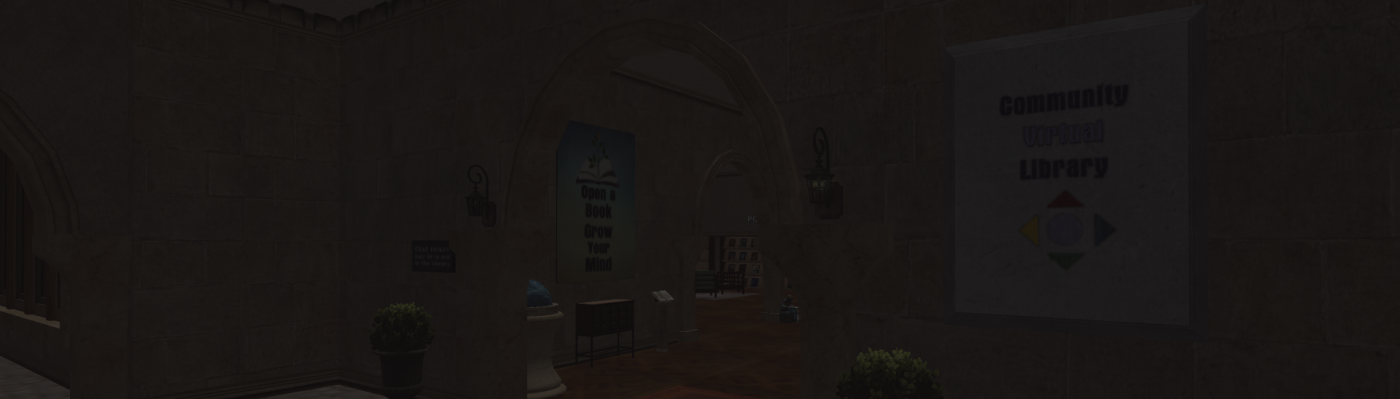
Picture of Hypergrid Resource Library in Kitely (as of 2026)
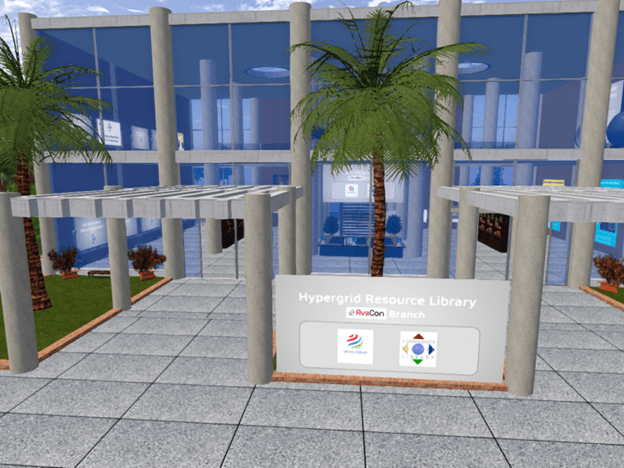
Picture of Hypergrid Resource Library in AvaCon (as of 2026)
THE HISTORY OF THE HYPERGRID RESOURCE LIBRARY
Originally built and curated by CVL volunteer Bethany Winslow (BethanyTheVirtualVersion in SL; Bethany Winslow in Kitely/Avacon), CVL’s Hypergrid Resources Library provides resources to help newcomers navigate virtual worlds based in OpenSim.
The branches originally both had the architecture as still seen in the AvaCon branch (as of 2026) and were originally connected by a virtual space station. In addition to portals to each library branch, the station also hosts portals to other OpenSimulator-based worlds. The branches were virtually identical (though they were labeled with “Kitely” or “AvaCon” depending on which branch you visit).
The Kitely build was and later relocated and reimagined on Metaverse Libraries’ Cookie II region.
How do i visit the library?
Choose one of the following options to start in Kitely:
- Create a new free account on the Kitely grid OR
- Use an existing OpenSim Avatar/Account to hypergrid to Kitely
OPTION 1: Follow the steps below.
- Create a free account with Kitely
- Download and install an OpenSim-enabled version of the Firestorm viewer
- Login to Kitely and use the world map to search for Cookie II
- At the Cookie II welcome station, walk toward the large map that shows an aerial view of the whole region. The Hypergrid Resources Library is the second grid from the left at the top of the map.
- Click directly on that part of the map to teleport to the library.
NOTE: You can also refer to the Kitely article: How to Enter Kitely Virtual Worlds
You can also look at this historical video for reference: Find the CVL Hypergrid Library via a Kitely Account (3:12)
OPTION 2: You can use an existing OpenSim account to search for and hypergrid to Kitely using the URL http://grid.kitely.com:8002. Then search and teleport to Cookie II. At the welcome station you will find a map to teleport directly to the Hypergrid Resources Library.
Follow the steps below, or watch the short tutorial video: Find the CVL Hypergrid Library via OS Grid (1:59)
- Login to OpenSim and pull up the world map. (From the top tool bar in Firestorm, click on World, then World Map or use the map icon in the lower tool bar.)
- Search for http://grid.kitely.com:8002 and then click Teleport.
- At the Kitely welcome station pull up the world map and search for Cookie II and click to teleport. (NOTE: You may get a notice that the teleport failed, but that’s normal. It just means the world is booting up.)
- At the welcome area for Cookie II, walk toward the large map that shows an aerial view of the whole region. The Hypergrid Resources Library is the second island from the left at the top of the map.
- Click directly on that part of the map to teleport to the library.
Hypergrid resources online
In addition to in-world resources, Bethany has also created a Hypergrid Resources Library wiki with concise articles to help you get started!
The wiki defines hypergridding, grid, and region and offers tips for a successful journey. It also links to other organizations with extensive resources relevant to OpenSimulator worlds and the basics of how to hypergrid.
Bon voyage!
 Community Virtual Library